
Best AI Tools for Summarizing and Transcribing YouTube Videos
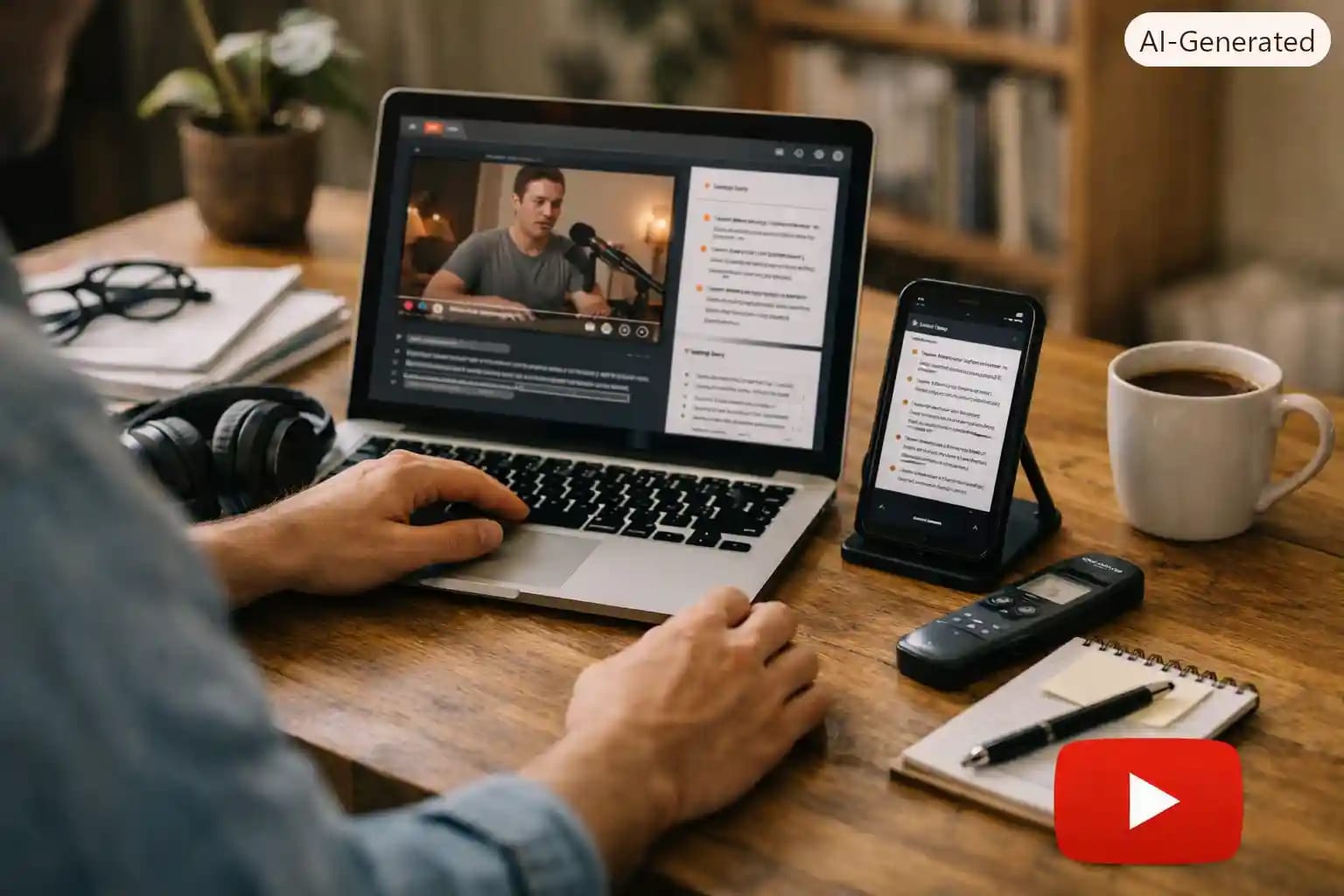
If you have ever sat through a 40 minute YouTube tutorial just to find the one 3 minute part that mattered, you already know why AI video summarizers exist. I have tested a good number of these tools over the past year, mostly because my data plan does not forgive wasted streaming time, and I wanted something that could pull the main points from a video before I decided if it was even worth watching in full. This article covers the AI tools I actually use for summarizing and transcribing YouTube videos, what they get right, where they fall apart, and which ones make sense if you are working with limited bandwidth in places like Lagos, Accra, Freetown or Nairobi, as much as if you are sitting on fibre in London or Toronto.
Why This Matters More Than People Think
A lot of guides treat video summarizing like a novelty. It is not. If you are a student trying to review a two hour lecture upload, a small business owner scanning marketing webinars for one useful idea, or a researcher who needs the gist of ten interviews before picking the three worth transcribing fully, this is a real productivity tool, not a party trick. The difference between a good AI summarizer and a bad one is the difference between saving two hours and wasting twenty minutes copying a summary that missed the point entirely.
Best AI Tools for Summarizing YouTube Videos
1. NoteGPT, Star Rating: 4.5 out of 5
NoteGPT has become my default for long tutoriaks and lecture style videos. You paste the YouTube link, it pulls the transcript, and it gives you a structured summary broken into sections with timestamps. What I like is that it does not just spit out a paragraph, it actually organizes ideas the way a decent student would organize their own notes.
• Pros: Handles long videos well, gives timestamped sections, free tier is genuinely usable
• Cons: Struggles a bit with heavy accents or fast moving African English, sometimes drops a key point in dense academic content
I once used it to summarize a 90 minute cyber security course before a client meeting in Freetown. It caught the main framework being taught but missed a small caveat about security risk that turned out to matter.
Lesson learned: use the summary to decide what to watch, not as a replacement for watching the important sections.
2. Glasp, Star Rating: 4 out of 5
Glasp is a browser extension rather than a website, and it works directly on the YouTube page itself. It pulls from existing captions, so if a video has no subtitles at all, it will not do much for you. When captions exist, though, it is fast.
• Pros: free, works right inside YouTube, good for quick article style summaries
• Cons: needs existing captions, less useful for local language content or videos recorded informally without subtitles
This one is great if you are summarizing English language tutorials, but if you work with a lot of Krio, Pidgin, Swahili or Twi content that never had captions added, Glasp will leave you stranded.
3. Summarize.tech, Star Rating: 3.5 out of 5
No login, no extension, just paste the link and get a summary in seconds. It is the tool I send to people who are not comfortable installing browser extensions or creating accounts, which matters a lot when you are teaching digital literacy to someone picking up AI tools for the first time.
• Pros: zero friction, works instantly, good starting point for beginners
• Cons: summaries are shorter and less structured, not ideal for academic or research use
4. Recapio, Star Rating: 4 out of 5
Recapio is the one I reach for when the video is not in English, or when I need the summary translated into another language for a client or student. Its multi language handling is noticeably better than most competitors, which matters a great deal across Africa where content might be in French, Portuguese, Arabic or a mix of English and a local language within the same video.
• Pros: strong multi language support, decent accuracy on mixed language audio
• Cons: free tier is limited, paid tier pricing is in dollars which stings depending on your local exchange rate
Best AI Tools for Transcribing YouTube Videos
Summarizing gives you the gist, transcribing gives you the exact words. If you are writing a blog post based on a video interview, doing academic research, or need a searchable record of a training session, you need a real transcript, not a condensed version.
5. Otter.ai, Star Rating: 4.5 out of 5
Otter is built more for meetings than YouTube specifically, but it does an excellent job when you upload YouTube audio directly or record a video playing through your microphone. Speaker labels are its strongest feature, it separates who said what with impressive consistency.
• Pros: accurate speaker separation, works well for interviews and panel discussions
• Cons: free plan caps your monthly transcription minutes fairly quickly, background noise from a phone speaker setup can confuse it
6. Descript, Star Rating: 4 out of 5
Descript transcribes audio and lets you edit the video by editing the text, which sounds like a gimmick until you actually try cutting a filler word by just deleting it from the transcript. If a YouTube video has no captions at all, Descript will still transcribe the audio directly, which puts it ahead of caption dependent tools like Glasp.
• Pros: transcribes videos with zero existing captions, doubles as a light video editor
• Cons: steeper learning curve, free tier transcription hours run out fast if you work with long videos
7. youtube-transcript.ai, Star Rating: 3.5 out of 5
This is the fastest free option if a video already has captions. Paste the link, get the transcript, done. The catch is the formatting, timestamps sit at the start of every line and there are no paragraph breaks, so you will spend a few minutes cleaning it up before it is usable in a document.
• Pros: completely free, works instantly, no signup
• Cons: messy export format, no transcription for videos without captions
Summarizing vs Transcribing, Picking the Right One
People confuse these two constantly. Summarizing compresses a video into key points, transcribing gives you the full spoken text word for word. If you just need to know whether a video is worth your time, summarize it first. If you are quoting someone directly, writing a report, or need a searchable text version for research, transcribe it. I usually run the summary first to decide if the full transcript is even worth the extra ten minutes it takes to clean up.
A Mistake Worth Mentioning
Early on, I trusted an AI summary of a two hour tax seminar without checking the original video, and I passed the summary to a small business client as if it were complete. It left out a section on VAT registration thresholds that genuinely mattered to her. Since then, my rule is simple, AI summaries are a filter, not a final answer. Always skim the timestamps the tool gives you and jump into the original video for anything that affects money, health, or legal decisions.
Tips for Users With Slow Internet or Limited Data
• Use link based tools like NoteGPT or Summarize.tech instead of ones that require uploading the video file, since they only need the transcript, not the video itself
• Do your summarizing on WiFi where possible, then read the summary offline later
• If a tool needs you to upload audio for transcription, extract just the audio first using a free tool rather than uploading a full video file, it saves a surprising amount of data
Where to Verify Tool Updates
AI tools change their pricing and free tier limits often, sometimes every few months. Before committing to a paid plan, check the tool's own pricing page directly rather than relying on an old review. For example, Otter.ai keeps its current plans listed at otter.ai, and it is worth a quick check before you subscribe since free tier limits shift more often than people expect.
Frequently Asked Questions
Can I summarize a YouTube video for free without downloading it?
Yes. Tools like Summarize.tech, Glasp and NoteGPT all work directly from a pasted YouTube link, no download required, as long as the video has captions available.
What if the YouTube video has no captions at all?
Caption based tools will not work. You will need a tool like Descript or Otter.ai that transcribes the actual audio instead of relying on existing subtitles.
Are AI summaries accurate enough for academic work?
They are a good starting point but should not be your only source. Use the summary to identify which sections matter, then go back to the original video or a full transcript for anything you plan to cite.
Which tool works best for African languages or mixed language videos?
Recapio currently handles multi language and translated summaries better than most competitors, though accuracy still drops with heavy code switching between English and local languages within the same sentence.
Do these tools work well on a low end smartphone?
Most of the browser based ones like Summarize.tech and youtube-transcript.ai work fine on basic smartphone browsers since they do not require heavy processing on your device, the AI work happens on their servers.



Community Discussion
Loading comments...