
Best Free AI Tool Stack for Freelancers
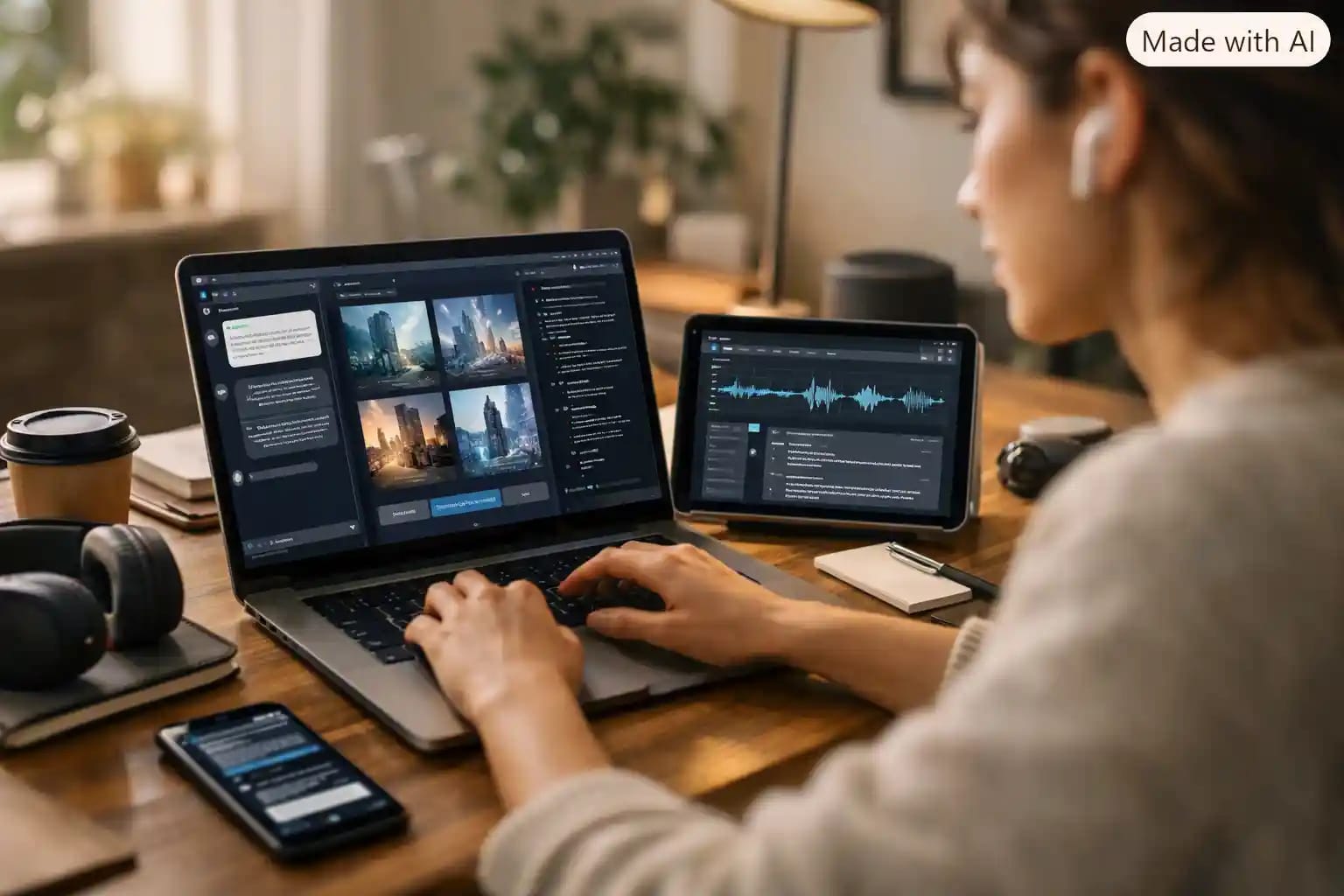
If you want the short answer, here is the free tools I actually use on a daily basis. ChatGPT free for fast writing and brainstorming, Claude free for anything customer facing that needs a more natural tone, Perplexity free for research with sources attached, Canva free for graphics and social content, Gamma free for quick presentations and proposals, and Notion free for organizing client work. None of this costs a cent, and I have used every tool on this list for real paying client work, not just testing. I run a digital business center in Freetown, Sierra Leone, so I know what it means to build a business on unreliable internet and unpredictable currency, and every recommendation here is chosen with that reality in mind, not just for freelancers with a stable dollar income.
Why Free Tools Matter More If You Are Building From Africa
Freelancing on a laptop from Freetown, Accra, Lagos, or Nairobi looks different from freelancing out of London or Toronto, even if the client work is identical. Currency conversion eats into subscription value fast. A twenty dollar monthly tool is an inconvenience out of income when you are earning in Leones, Naira, or Cedis and converting. Data cost is also real money, not just an annoying detail, so a tool that is light on bandwidth and works well on a slower connection is worth more here than a flashy feature you will hardly use.
That is why this list relies hard on genuinely usable free tiers, not the kind that lock away every useful feature until you pay. I tested and used everything here for actual paid client work through PEACE WORLD TECH, our digital business center, so this is not a theoretical list built from real life experience.
TheFull Stack, Category By Category
1. Writing and Client Communication: ChatGPT and Claude (both free)
Use ChatGPT free for quick things, drafting an email reply, brainstorming a headline, breaking down a client brief into steps. It is fast and good enough for most everyday writing.
Use Claude free for anything a client will actually read closely, a proposal, a report, longer web copy, Cv/Resume build. The tone comes out more natural and less obviously AI written, which matters when you are trying to win trust from a new client who has never worked with you before.
• Star rating: ChatGPT free, 4 out of 5 for speed and range. Claude free, 4.5 out of 5 for writing quality, loses half a point only because of a lower daily message cap.
• Real example: I draft the first version of every client proposal in Claude, then use ChatGPT to quickly generate three subject line variations for the follow up email. Different strengths, different jobs.
2. Research With Sources: Perplexity and NotebookLM (both free)
Perplexity free gives you answers with clickable sources attached, which saves you from the awkward moment of a client asking where a number came from and you not having an answer. NotebookLM free is better once you already have your own documents, like a client's old reports or a set of PDFs you need to compare.
• Star rating: Perplexity free, 4 out of 5. NotebookLM free, 3.5 out of 5 for closed document research specifically.
• Real example: A client asked me to research competitor pricing for a printing business here in Freetown. Perplexity found current sources fast, and I cross checked the numbers against what the client already had using NotebookLM.
3. Design and Graphics: Canva (free)
Canva's free plan alone can replace a designer for basic freelance needs, social media graphics, simple flyers, presentation slides. The Magic Studio AI features, background removal, text to image, resizing for different platforms, cover a huge amount of what a small business or solo freelancer actually needs day to day.
• Star rating: 4.0 out of 5. Loses half a point because some premium templates and stock photos are locked behind Canva Pro, and you will notice that ceiling once you are doing regular client design work.
• Real example: I built a full month of Instagram content for a local client’s Hotel business in under two hours using Canva's free templates and Magic Write for captions, something that used to take a full day.
You can try Canva's free plan directly on their official site: https://www.canva.com
4. Presentations and Proposals: Gamma (free)
Gamma turns a text prompt or outline into a formatted presentation, document, or simple webpage. The free tier gives you a workable number of credits before you hit a wall, more than enough to test if it fits your need before you consider paying.
• Star rating: 4 out of 5. Loses a point for the free tier's credit limit and the watermark on exports until you upgrade.
• Real example: When pitching a new web design client, I turn my written proposal into a Gamma deck in about ten minutes instead of manually building slides one by one.
5. Transcription and Video: CapCut and a free transcription tool
If your freelance work touches video at all, even short client testimonials or social clips, CapCut's free version handles captions, cutting, and basic editing without watermarks on most exports. For turning a client call or voice note into text, a free transcription tool saves the time of manually typing meeting notes by hand.
• Real example: I record client kickoff calls and run them through a free transcription tool afterward so nothing gets missed in the follow up email, without paying for a dedicated meeting notetaker subscription.
6. Staying Organized: Notion (free)
Notion's free plan works fine for a solo freelancer tracking clients, deadlines, and content calendars in one place. The AI features inside Notion help you summarize notes or turn a messy brain dump into a structured task list, though this is the tool I use the least on this list, more of a nice extra than a core tool.
• Star rating: 3.5 out of 5 as a pure AI tool, closer to 4.5 out of 5 as a free organization system with AI features on.
Pros and Cons of Running an All Free Stack
• Pros: zero upfront cost, no currency conversion risk, easy to test what actually fits your workflow before committing money, and most of these free tiers are genuinely usable now, not click baits.
• Cons: daily usage limits can interrupt a busy and urgent work day, you will juggle more separate logins and tabs than someone paying for one all in one subscription, and some free tiers quietly change their limits without much warning, so what worked last month might be limitedthis month.
Mistakes I Made Building This tools Stack
I initially tried to force everything into one tool because switching between apps felt inefficient. That was wrong. ChatGPT is not the best writer for client facing copy, and Claude is not the fastest for quick turnaround brainstorming. Once I stopped trying to find one tool that does everything and instead matched each tool to the job it is actually good at, my output quality went up and the time I spent went down.
I also underestimated how fast free daily limits can disappear once you are doing real client work, not just casual use. I hit Claude and Perplexity's free research cap daily in the middle of a client deadline because I did not track my usage. Now I plan research heavy days around when my limits reset.
And I ignored data cost early on. Watching an AI generate a video preview or long audio overview burns through data fast on a mobile connection, so now I stick to text based tools when I am working on a limited bundle and save the heavier features for when I have solid wifi subscription. Now this is real pressure!
When It Actually Makes Sense to Pay
Free tools genuinely cover most freelance work in 2026. Consider paying only when a specific daily limit is costing you real client gigs and deadlines, when you need a feature locked behind a paid tier that you use every single week, or when the time you save clearly outweighs what the subscription costs you in your local currency. Do not upgrade out of habit or fear of missing out, upgrade because a free limit is actually blocking paid work.
Frequently Asked Questions
Can I really run a freelance business using only free AI tools?
Yes, for most solo freelancers and small businesses, a well matched free stack covers writing, research, design, and basic organization without paying anything. You will hit daily limits occasionally, but for most workloads it is enough.
Which free AI tool should a beginner freelancer start with?
Start with ChatGPT free for general writing and brainstorming, and Canva free for any visual work. Those two alone cover the widest range of freelance tasks with the easiest to understand.
Are free AI tools safe to use with client information?
Be careful with anything confidential. Free tiers of most AI tools may use your input to improve their models unless you specifically turn that off in settings, so avoid uploading sensitive client contracts or private data without checking the tool's privacy settings first.
Do these free tools work well on slow internet connections in Africa?
Yes, mostly. Text based tools like ChatGPT and Claude work fine on modest mobile data. Heavier features like video generation or audio overviews use significantly more data, so save those for a stable connection.
What is the biggest mistake freelancers make with free AI tools?
Trying to use one tool for everything instead of matching each tool to what it is actually best at. A stack of two or three well chosen free tools beats one tool used for all.
When should I finally pay for an AI tool as a freelancer?
Only when a free daily limit is repeatedly blocking paid client work, or when a specific paid feature saves you enough time each week that it clearly pays for itself in your local currency.



Community Discussion
Loading comments...