
How to Use AI to Summarize Long Articles and PDFs for Free
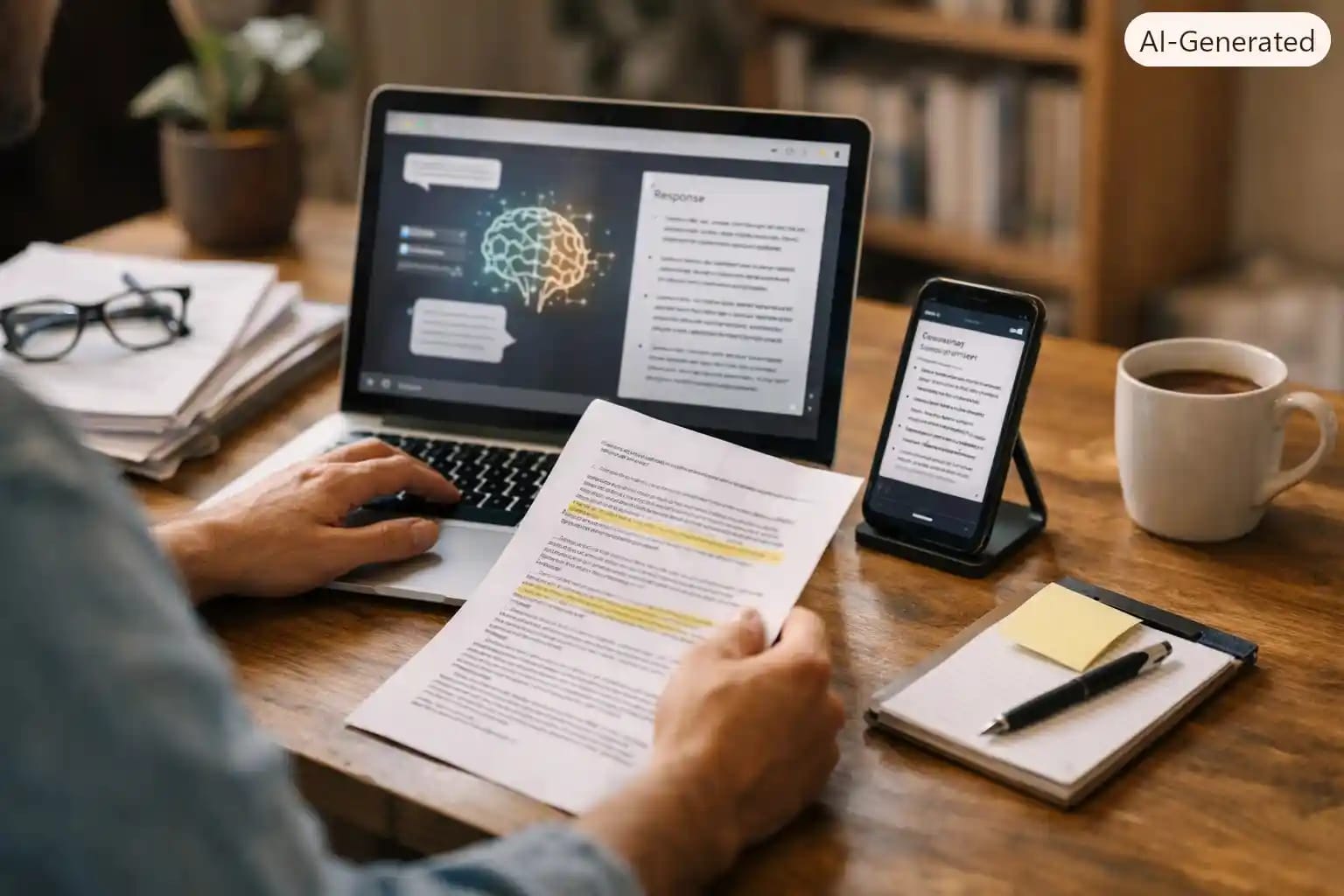
At my digital business center in Freetown, people bring me things to read all the time, scholarship application guidelines, NGO project reports, government circulars, long WhatsApp forwarded PDFs nobody has time to open. The honest answer to how you summarize long articles and PDFs for free is, you do not need to pay for anything, you need to know which free AI tool fits which document and how to prompt it properly. In this guide I will show you the free tools that actually work, a two minute process I use almost daily, a prompt template you can reuse, and the mistakes that taught me never to trust a summary blindly. This applies whether you are a student trying to get through a journal article before class or a business owner in Accra, Lagos, or anywhere else trying to get through a contract before a meeting.
Why I Started Summarizing Documents With AI in the First Place
Document transcription and review is part of what we do at the Printing business center, and for a long time that meant reading everything line by line. Then a client brought in a ninety page tender document from an international organization with a submission deadline two days away. Reading it properly would have taken most of a day I did not have. That is when I started testing AI summarizers seriously, not as a shortcut to avoid reading, but as a way to get oriented fast, then go back and read the parts that actually mattered.
The Free Tools That Actually Work, Tested
I have tried more AI PDF tools than I care to admit, and most free plans are more limited than they look at first glance. Here is what has held up in real use.
Google NotebookLM
Free with any Google account, and genuinely the strongest option for long research documents, reports, or several PDFs at once. You upload your sources and it links every summary point back to the exact page it came from, which matters if you need to check something later. You can try it directly at notebooklm.google.com. It also generates an audio overview of the document, which I now use when I need to review something while doing other tasks around the office.
ChatGPT free tier
ChatGPT's free version now accepts PDF uploads directly in the chat window. It is good for quick, conversational summaries and follow up questions, but it can struggle with very long documents or scanned files with poor image quality.
ChatPDF
No signup needed, and it gives you a handful of free document uploads a day. This is my go to when I just need one quick summary and do not want to log into anything.
Claude, for very long documents
When a document is genuinely long, a full contract, a long thesis chapter, or a bundle of reports, Claude handles it without losing track of earlier sections the way some tools do once a document gets past a certain length.
How I Summarize a Long PDF in Under Two Minutes
Step 1, Strip it down before you upload
Cover pages, appendices, and reference lists eat into upload limits and add nothing to a summary. If the document is long, I remove or ignore those sections first.
Step 2, Upload the actual file, do not paste raw text
Uploading the PDF directly keeps the formatting and page structure intact, which helps the AI reference specific sections accurately. Pasting plain text loses headings and page numbers, and the summary gets vaguer as a result.
Step 3, Never just say summarize this
A vague request gets a vague summary. Ask for what you actually need, the main argument, the key numbers, the deadline, the risks. This single change improved the usefulness of my summaries more than switching tools ever did.
Step 4, Ask follow up questions instead of re reading
Once you have the summary, drill down with specific questions, what does section four actually require from me, what is the exact submission deadline, does this contract mention a penalty clause. This is faster than scanning the whole document again yourself.
Step 5, Save the summary somewhere permanent
Chat history disappears or gets buried fast. I copy every important summary into a notes app or a shared document folder immediately, labeled with the original file name.
A Prompt Template You Can Reuse Right Now
Paste this after uploading your document, adjusting the bracketed parts to your situation.
Prompt, “summarize this document in plain, simple language. Give me, one, the main purpose of the document, two, five key points I need to know, three, any deadlines or dates mentioned, four, anything that requires action from me. Keep it under 250 words and avoid technical terms”.
Mistakes I Made, and What They Taught Me
● I once trusted an AI summary of a scholarship guideline document without checking the original, and it left out a clause about a required recommendation letter that was mentioned only in a footnote. The lesson, always check the summary against the original for anything with a deadline or a requirement attached to it.
● I fed a scanned PDF, essentially a set of photographed pages, into a tool that only reads text, and got a summary full of confident sounding nonsense. Scanned documents need OCR, optical character recognition, run first, several free tools handle this, then summarize the result afterward.
● A French language NGO report I summarized in English lost some nuance around a specific funding condition, because the AI simplified a legal phrase that did not translate cleanly. For anything official written in a second language, I now ask the AI to keep key terms in the original language alongside the English explanation.
Across all three, the pattern is the same, AI summaries are excellent for getting oriented fast, they are not a substitute for reading the original when money, deadlines, or legal wording are involved.
Tips for Students and Small Businesses With Slow or Expensive Internet
● Download the document once on a stronger connection, then work with it locally where the tool allows offline access, rather than staying connected the entire session.
● Ask for shorter outputs. A 250 word summary loads and generates faster than an 800 word one, and costs less data both ways.
● NotebookLM's audio overview is worth the one time data cost if you plan to revisit a document while doing something else, since you only need to download it once and can replay it offline afterward.
● If you are a student sharing a data bundle with siblings or classmates, ChatPDF's no signup option avoids the extra data spent on account creation and verification steps.
When You Should Not Rely on an AI Summary Alone
Some documents are not safe to skim through a summary and move on. Contracts with financial penalties, medical reports, legal notices, and anything with a binding deadline need a full read, or at minimum a check of the exact original wording for the clauses that matter most. Use the AI summary to get oriented and to know where to focus your reading, not as a replacement for reading the parts that actually carry consequences.
Frequently Asked Questions
What is the best completely free AI tool for summarizing a PDF?
Google NotebookLM is the strongest all round option because it is free with any Google account and links its summaries back to the exact source page. For a single quick summary with no signup at all, ChatPDF works well too.
Can AI summarize a scanned document or a photo of a document?
Not reliably on its own. Scanned pages need to go through optical character recognition first, which several free PDF tools include, before an AI tool can summarize the text accurately.
Is it safe to upload a private business document to a free AI tool?
Avoid uploading anything with sensitive financial account details, passwords, or confidential personal data to a general purpose free tool. For routine reports, proposals, and articles, the risk is low, but always check what a specific tool's privacy policy says about storing your uploads.
How long can a document be before free AI summarizers stop working well?
This varies by tool and changes often as tools update, but as a rough guide, ChatGPT's free tier handles shorter documents best, NotebookLM and Claude handle much longer ones more reliably. If a tool starts losing track of earlier sections, that is your signal to switch.
Can I trust an AI summary of a contract or legal document?
Use it to understand the general shape of the document quickly, but always verify specific clauses, deadlines, and figures against the original text yourself, or with a professional where the stakes are high.
Do I need to pay for anything to summarize documents regularly?
No. Between NotebookLM, ChatGPT's free tier, and ChatPDF, most students and small business owners can cover their regular summarizing needs without a subscription. Paid tools mainly add speed, higher upload limits, and team features.



Community Discussion
Loading comments...